

Guide · 2 min read
Add the app to your Home Screen
The Studio ME app opens from your Home Screen like any other app.
Why add it
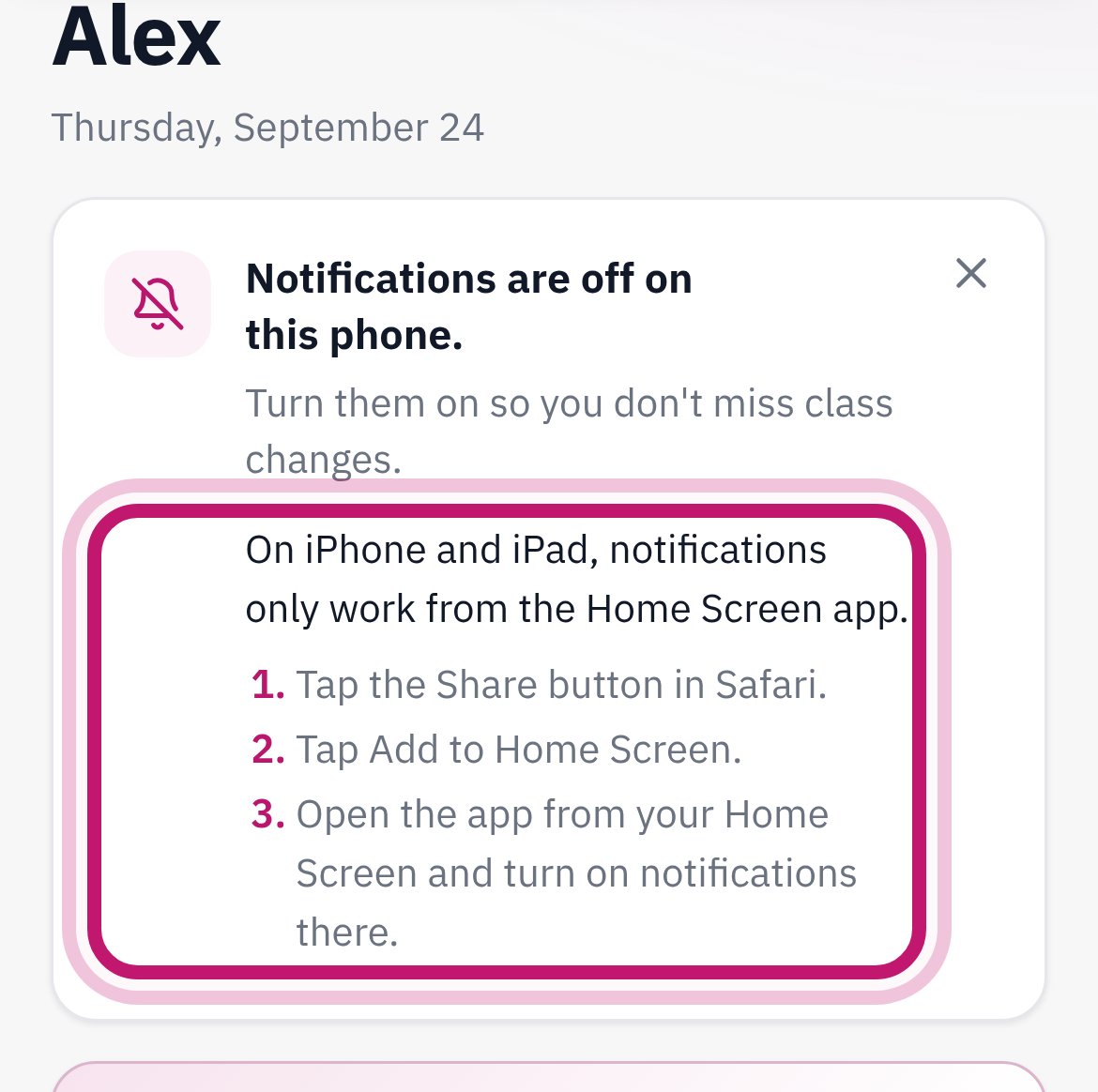
You get the Studio ME icon on your phone, so you never type the address again. On iPhone, it is also the only way to get notifications.

iPhone (Safari)
- Open studiomefitness.com/app in Safari and sign in.
- Tap Share (a square with an arrow pointing up).
- Scroll down and tap Add to Home Screen, then Add.
Android (Chrome)
- Open studiomefitness.com/app in Chrome and sign in.
- Tap the menu ⋮ in the top right corner.
- Tap Add to Home screen or Install app, then Add.
After you add it
Open the app from the new icon. It may ask you to sign in once more. That's normal.
Next: turn on notificationsStill stuck?
Call or email us and we'll walk you through it.
Updated 2026-09-25